



 JORD
JORD

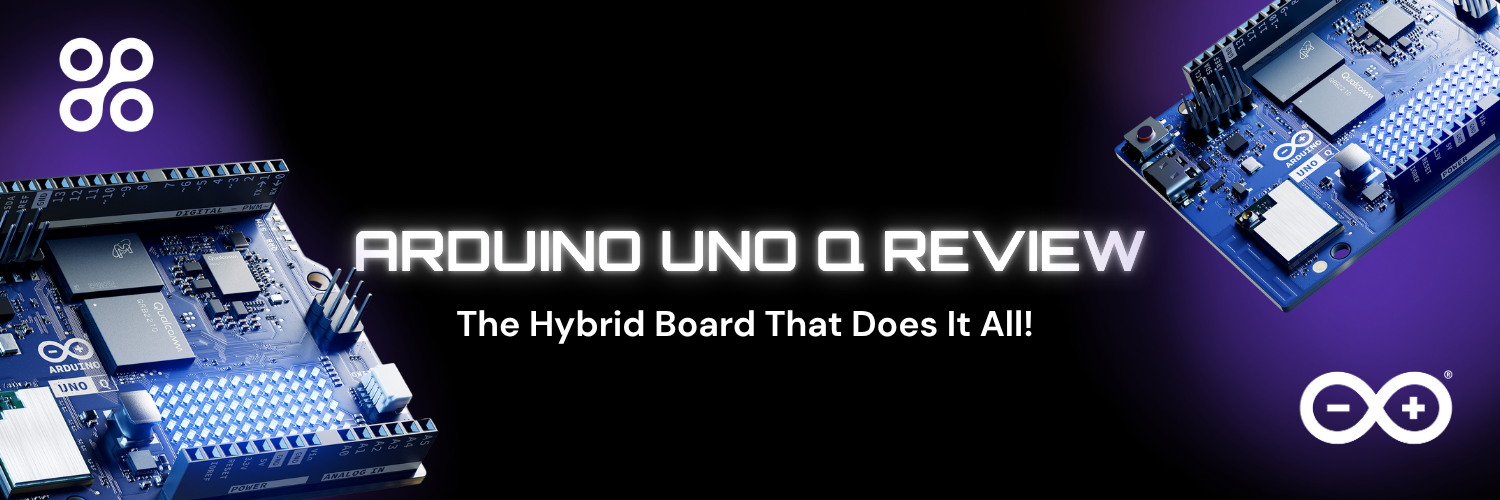
Arduino UNO Q Review: Hybrid Linux & Real-Time Power in One Board
If you want a complete Arduino UNO Q review, then you probably want to know if this new hybrid board can really take the place of multiple development platforms.
The Arduino UNO Q unites Linux computing power with real-time microcontroller control in a familiar UNO form factor.
Does it really deliver on performance, flexibility, and AI capability?
In this review, we break down the Arduino UNO Q features, specs, Linux capabilities, and real-world use cases to help you decide whether it’s the right board for your next project.
What Is Arduino UNO Q?
The Arduino UNO Q is a next-generation hybrid development board merging two powerful systems into one compact design:
- A quad-core Arm® Cortex®-A53 processor running Debian Linux
- A STM32U585 microcontroller running Arduino Core on Zephyr OS
This architecture allows you to run full Linux applications while maintaining deterministic real-time control for sensors and actuators. In simple terms, you get a mini Linux computer and a real-time Arduino microcontroller on the same board.
For developers building AI-powered IoT systems, robotics, or edge computing applications, this dual-system setup eliminates the need to combine separate boards like an Arduino and a Raspberry Pi.
Arduino UNO Q Features
One of the most impressive aspects of the board is how seamlessly it integrates computing, AI, and real-time control.
Processing Power
The board features a quad-core CPU clocked at 2.0 GHz, paired with an Adreno GPU supporting 3D acceleration. Alongside it, the STM32 microcontroller handles real-time tasks such as sensor reading and motor control. This hybrid design enables complex AI models to run under Linux while time-critical processes remain stable and predictable.
Memory & Storage
With 2GB LPDDR4 RAM and 16GB onboard eMMC storage, the Arduino UNO Q does not require an external SD card. This allows faster boot times, reliable storage, and the ability to run heavier applications directly from internal memory.
Connectivity
The board includes dual-band Wi-Fi 5 and Bluetooth 5.1, making it ready for IoT integration out of the box. Whether you’re connecting to sensors, cloud dashboards, or mobile apps, wireless communication is built in.
I/O & Expansion
UNO Q maintains classic UNO headers for compatibility with existing Arduino shields. It also adds a Qwiic connector and high-speed headers for cameras, displays, and audio modules. This makes hardware expansion simple and efficient.
Display & Interface
An integrated 8x13 LED matrix provides instant visual feedback for debugging and creative applications. USB-C supports power, data transfer, and video output — simplifying connectivity.
Audio Capabilities
The board supports microphone input, headphone output, and line out. This opens the door for voice recognition, sound processing, and interactive multimedia applications.
AI & Machine Learning
One of the standout Arduino UNO Q features is onboard AI acceleration. With pre-loaded models for vision, audio processing, and anomaly detection, developers can prototype intelligent systems quickly without additional hardware.
Software Environment
Using Arduino App Lab, developers can run Arduino sketches, Python scripts, and AI models within a single development environment. This unified workflow significantly reduces context switching compared to traditional multi-board setups.
Arduino UNO Q Specs
Here’s a quick overview of the core Arduino UNO Q specs:
Processor: Quad-core Arm Cortex-A53 @ 2.0 GHz
GPU: Adreno with 3D acceleration
Microcontroller: STM32U585
Operating System: Debian Linux + Zephyr OS
RAM: 2GB LPDDR4
Storage: 16GB eMMC
Wireless: Wi-Fi 5 (dual-band), Bluetooth 5.1
LED Matrix: 8x13
USB: USB-C (power, data, video)
Audio: Mic input, headphone, line out
Arduino UNO Q Linux Performance
Running Arduino UNO Q Linux on Debian provides access to full Linux libraries, networking stacks, AI frameworks, and containerized applications. Unlike traditional Arduino boards, this enables advanced edge computing, local data processing, and direct deployment of Python-based AI models.
You can run TensorFlow Lite, computer vision frameworks, or full backend applications — all while keeping real-time tasks isolated on the microcontroller side.
Arduino UNO Q vs Raspberry Pi
A common comparison is Arduino UNO Q vs Raspberry Pi.
While Raspberry Pi excels as a standalone Linux computer, it lacks native deterministic real-time control. Developers often pair it with a microcontroller for time-sensitive operations.
UNO Q eliminates this need by integrating both systems into one board. You get Linux flexibility and microcontroller precision without additional wiring, synchronization challenges, or software fragmentation.
If your project requires AI processing and real-time hardware control in a single compact solution, UNO Q may offer a cleaner architecture.
Real-World Applications
The board is suitable for:
- AI edge vision systems
- Voice-responsive robotics
- Interactive installations
- Smart IoT gateways
- Autonomous vehicles and drones
- Predictive monitoring systems
By combining Linux computing and real-time control, Arduino UNO Q simplifies the development of advanced embedded systems.